English
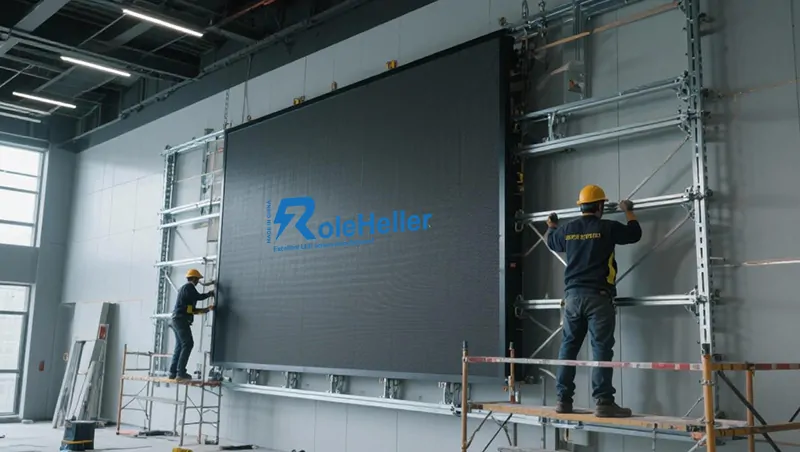
You've been searching for china p1.9 led video wall manufacturers and the results are, well, overwhelming. Hundreds of suppliers, each claiming "factory direct," "premium quality," and "best price" — but when you start comparing spec sheets, everything blurs together. Maybe you're an AV integrator bidding on a corporate lobby project. Maybe you run a rental company expanding into fine-pitch territory. Or maybe your boss just dropped a brief on your desk saying "we need a P1.9 LED wall" and now you're figuring out where to start. Let me share what I've learned from years of working with LED display factories in Shenzhen — who actually builds quality P1.9 panels, what a realistic budget looks like, and how to avoid the pitfalls that catch first-time buyers.
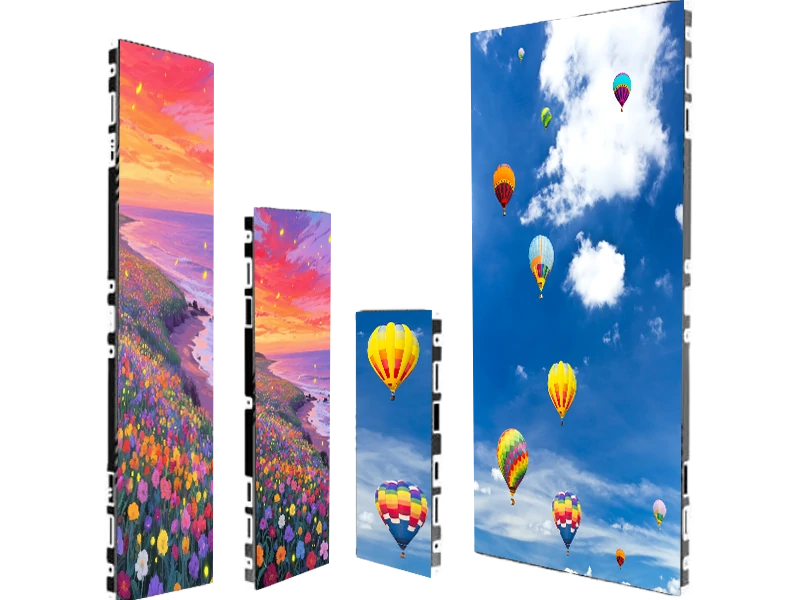
P1.9 sits in a really interesting position in the LED display market. It's fine enough to deliver sharp 4K content at moderate wall sizes, yet affordable enough that you're not paying the extreme premium of P1.2 or P1.5 panels. Here's where P1.9 shines:
Viewing distance: Comfortable from about 2 metres away — perfect for corporate lobbies, control rooms, broadcast studios, and premium retail environments
Resolution sweet spot: A 5m × 2.8m P1.9 wall delivers roughly 2632 × 1474 pixels — close to native 4K without the massive cost of going finer
Camera-friendly: When paired with 3840Hz+ refresh rates, P1.9 panels look excellent on camera for livestreaming and virtual production
But here's the thing — P1.9 isn't just "P2.0 but slightly better." At this pitch level, manufacturing tolerances tighten considerably. The difference between a well-made P1.9 panel and a poorly-made one becomes very obvious, especially on walls larger than 8–10 square metres. Colour uniformity, dead pixel rates, and cabinet alignment precision all matter more at finer pitches.
Let me break down the cost drivers so you can evaluate any quote intelligently.
LED chip brand and binning. The chips inside each pixel are the single biggest cost variable. Premium chips from Nichia (Japan) or Cree/Wolfspeed (USA) cost significantly more than Nationstar or Silan chips — and the price gap shows up directly in your per-square-metre quote. At P1.9, where you're packing over 270,000 pixels per square metre, chip quality directly affects colour consistency across the entire wall. Binning matters too — manufacturers using single-bin chips (tight wavelength range) charge more but deliver noticeably better uniformity.
Driver IC selection. At P1.9, you absolutely need high-refresh driver ICs. The Macroblock MBI6353+ and Chipone ICN2038 are the go-to choices for 3840Hz+ performance. Budget panels using FM6124 or generic drivers might save you money upfront but will show visible flicker on camera.
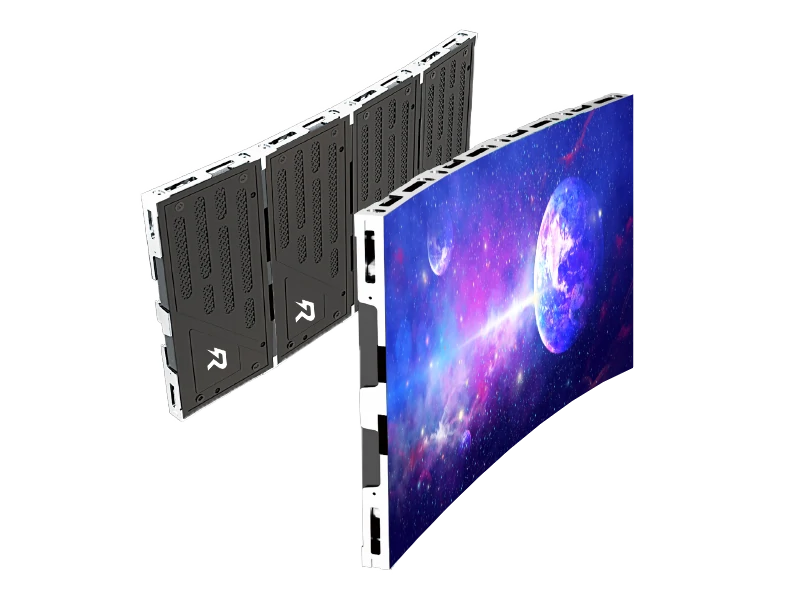
Cabinet precision. This is where P1.9 separates the serious manufacturers from the rest. Die-cast aluminium cabinets with CNC machining tolerance of ±0.03mm are essential at this pitch. Even tiny gaps between cabinets become visible as dark lines on the wall. Sheet metal cabinets simply can't hold this tolerance — they warp over time and create seams that ruin the seamless image effect.
Power supply quality. Mean Well is the industry standard for good reason. At P1.9, power consumption runs higher per square metre than coarser pitches, so reliable power delivery matters even more.
Here's what you should expect to pay for P1.9 panels per square metre at wholesale volumes (10+ sqm orders):
| Tier | Price Range ($/sqm) | Chip Brand | Driver IC | Cabinet | Best For |
|---|---|---|---|---|---|
| Budget | $1,800–$2,600 | Silan, unbranded | FM6124, generic | Sheet metal | Tight-budget static installs |
| Mid-range | $2,600–$3,800 | Nationstar, Kinglight | Chipone ICN2038 | Die-cast aluminium | Corporate lobbies, houses of worship |
| Premium | $3,800–$5,500 | Nichia, Cree | Macroblock MBI6353+ | Die-cast aluminium, CNC ±0.03mm | Broadcast, virtual production, flagship retail |
Remember — these are panel-only prices. Total installed cost including processors, mounting, calibration, shipping, and spare modules typically adds 50–80% on top.
Here's a practical breakdown of manufacturers with genuine credibility in the fine-pitch P1.9 segment:
| Manufacturer | HQ | Price Position | P1.9 Strengths | Best For |
|---|---|---|---|---|
| Unilumin | Shenzhen | Mid-to-high | Wide fine-pitch range; strong R&D; global support network | Corporate, broadcast, control rooms |
| Absen | Shenzhen | Mid-to-high | ETL/FCC certified; excellent Western market after-sales | Corporate lobbies, retail, houses of worship |
| Leyard/Planar | Beijing/Oregon | High | Fine-pitch technology leader; Planar brand for premium Western market | Control rooms, boardrooms, premium installs |
| ROE Visual | Shenzhen | High | Exceptional build quality; dominant in virtual production | Film/TV stages, broadcast, premium rental |
| LianTronics | Shenzhen | Mid-to-high | Strong European presence; good customisation options | Auditoriums, events, advertising |
| Gloshine | Shenzhen | Mid-to-budget | Cost-effective; high production capacity | Budget-conscious permanent installs, rental fleets |
A note on pricing — the gap between these manufacturers is real. A P1.9 wall from Leyard or ROE will cost considerably more than the same pitch from Gloshine. The difference shows up in component quality, colour uniformity out of the box, mechanical precision, and after-sales support. It's not always visible on day one, but it becomes very apparent after a year of daily operation.
You've narrowed your list to a few candidates. Here's a vetting process that'll save you from costly mistakes.
Request a live virtual factory tour. Ask for a video call where they walk you through their SMT lines, module assembly, aging room, and QC stations. A real manufacturer will happily show you everything — they'll know their monthly output, yield rates, and can explain their process in technical detail. A trading company will make excuses or redirect you to a showroom.
Ask for component documentation. Specifically: which LED chip brand and bin range, which driver IC model, and which power supply brand. A real manufacturer provides this immediately. If they say "our own brand" for all three components, that's usually code for "the cheapest option available."
Verify certifications. For North America, you need ETL or UL listing plus FCC Part 15. For Europe, CE marking covering LVD, EMC, and RoHS. Ask to see actual certificates and verify the certificate numbers with the issuing lab. Some manufacturers display expired certs or certs belonging to a different product line.
Order sample cabinets. For any order above $15,000, get 2–4 sample P1.9 cabinets. Run them at full brightness for 48+ hours. Test with cameras at various shutter speeds. Physically handle them — connectors should fit snugly, cabinet edges should be free of burrs, and the seam between two joined cabinets should be nearly invisible. At P1.9, even a 0.1mm gap creates a visible dark line.
After years of watching people navigate this process, here are the errors that keep showing up:
Choosing on price alone. The cheapest P1.9 quote almost always means compromises — mixed-bin chips, budget driver ICs, skipped aging tests, or sheet metal cabinets. On a wall with hundreds of thousands of tiny pixels, even a 0.1% defect rate means hundreds of bad pixels. Quality control at this scale is not optional.
Not specifying refresh rate upfront. Some manufacturers default to 1920Hz because it's cheaper. If your P1.9 wall will ever be on camera — and in 2026, nearly every installation gets captured somehow — you need 3840Hz minimum. Get this in writing before production starts.
Forgetting spare modules from the same batch. Order 5–8% spare panels from your original production run. LED chips from different batches have slightly different colour characteristics, and mixing them creates visible patches that can't be fixed without replacement.
Skipping professional calibration. Even premium P1.9 panels have slight brightness and colour variations between cabinets out of the box. On a wall spanning multiple square metres, these variations become very noticeable. Professional camera-based calibration brings the entire wall into uniform alignment — it's a $1,500–$4,000 investment that makes the difference between "acceptable" and "seamless."
Ignoring cabinet alignment specs. At P1.9, cabinet-to-cabinet alignment tolerance should be ±0.03mm or better. If a manufacturer can't guarantee this, the seams between cabinets will be visible as dark or bright lines on the wall. This is especially critical for walls larger than 6 sqm.
Buying direct from the manufacturer gives you the lowest per-unit price — typically 15–30% less than buying through a distributor. But you take on logistics, import clearance, warranty claims, and technical support across time zones.
Buying through a local distributor costs more but gives you local technical support, faster warranty resolution, help with system design and calibration, and someone who understands your local codes. For a fine-pitch P1.9 installation where precision matters, having a local partner who can come on-site for calibration and troubleshooting is often worth the premium.
My suggestion? If you have an experienced AV team and logistics infrastructure, going direct works well. If you're new to fine-pitch LED or the project has a hard deadline, work with a reputable local partner.
Having evaluated panels from factories across all tiers, here's where I land. The P1.9 segment has matured a lot over the past few years. A well-made P1.9 wall from a solid mid-tier manufacturer looks very close to the same spec from a premium brand when you're standing 3+ metres away. Where the differences emerge is in long-term colour consistency, mechanical durability, and after-sales responsiveness.
For permanent corporate or broadcast installations, I'd lean toward Unilumin, Absen, or LianTronics. The price premium over budget options is real — maybe 30–50% more — but the reliability difference pays for itself when the wall needs to perform flawlessly week after week.
For budget-conscious projects where the wall won't be under constant camera scrutiny, Gloshine or similar mid-tier manufacturers can deliver functional P1.9 product at attractive prices. Just be disciplined about sample evaluation and pre-shipment inspection.
One thing I've noticed — the relationship you build with a manufacturer matters more than most buyers realise. Your first order is always the most expensive. The second and third orders come with better pricing, priority production scheduling, and more flexible terms. Find a manufacturer that checks your boxes and stick with them.
At the end of the day, a P1.9 LED video wall is a significant investment. It'll be the visual centrepiece of your space for the next 5–10 years. Spending a bit more upfront on quality components, professional calibration, and a reliable manufacturer saves real money — and real headaches — down the road. Hope this helps you make a confident decision for your next project.
What is P1.9 pixel pitch and where is it best used?
P1.9 means the distance between LED pixel centres is 1.9 millimetres. This pitch delivers sharp images at viewing distances of 2+ metres, making it ideal for corporate lobbies, control rooms, broadcast studios, premium retail displays, and houses of worship. It offers a strong balance between resolution and cost — fine enough for detailed 4K content at moderate wall sizes, without the extreme price premium of P1.2 or P1.5 panels.
How much does a P1.9 LED video wall cost per square metre?
Panel-only prices range from $1,800/sqm for budget-tier panels to $5,500/sqm for premium-tier panels from top manufacturers. Mid-range P1.9 panels from reputable manufacturers like Unilumin or Absen typically fall between $2,600–$3,800/sqm at wholesale volumes. Total installed system cost — including processors, mounting, calibration, shipping, and spare parts — typically adds 50–80% on top of the panel price.
What refresh rate do I need for P1.9 LED panels?
For any P1.9 installation that will be captured by cameras — livestreaming, video calls, broadcast, or recording — you need a minimum of 3840Hz refresh rate. Below that, camera sensors pick up flicker and scan lines. Some budget P1.9 panels ship at 1920Hz, which is fine for static signage but a dealbreaker for camera-captured environments. Always confirm refresh rate in writing before production.
Which LED chip brands are best for P1.9 panels?
Nichia (Japan) and Cree/Wolfspeed (USA) are the premium choices, offering the best colour consistency and long-term stability. Nationstar and Kinglight are solid mid-range options used by most reputable manufacturers. Silan is a cost-effective option common in budget panels. At P1.9, chip binning matters as much as the brand — single-bin sourcing ensures colour uniformity across the entire wall.
How do I verify a P1.9 LED manufacturer is legitimate?
Request a live virtual factory tour showing their SMT production lines, aging test room, and QC stations. Ask for specific component brands (LED chips, driver ICs, power supplies). Verify certifications (ETL, FCC, CE) with the issuing laboratories. Order sample cabinets and test them thoroughly before committing to a large order. A real manufacturer will provide all of this without hesitation.
What's the minimum viewing distance for P1.9 LED panels?
As a general rule, the minimum comfortable viewing distance in metres is roughly equal to the pixel pitch in millimetres. For P1.9, that means viewers should be at least 1.9–2.5 metres from the wall for optimal image quality. Closer than that and individual pixels may become visible. For environments where viewers sit closer, consider P1.5 or P1.2 instead.
Can P1.9 panels be used outdoors?
P1.9 panels are primarily designed for indoor use. Outdoor applications require higher brightness (5,000+ nits vs. 800–1,500 nits for indoor), weatherproofing (IP65 rating), and wider pixel pitches for cost efficiency. If you need a fine-pitch outdoor solution, look for specifically rated outdoor P1.9 products — they exist but cost significantly more due to the additional engineering required.
What video processor works with P1.9 LED walls?
The three dominant platforms are NovaStar (most widely compatible, cost-effective), Brompton Technology (premium colour processing, excellent for camera capture), and Colorlight (budget-friendly). Most P1.9 panels ship with NovaStar receiving cards as standard. For broadcast or virtual production, Brompton Tessera processors deliver superior colour accuracy. Confirm compatibility with your chosen processor before ordering.
How long do P1.9 LED panels last?
Quality P1.9 panels from reputable manufacturers typically last 50,000–100,000 hours to half-brightness — roughly 11–23 years of daily 12-hour use. In practice, most buyers upgrade after 7–10 years due to technology improvements rather than panel failure. Components most likely to need replacement before then are power supplies and receiving cards, which are relatively inexpensive to swap.
What is the typical lead time for ordering P1.9 panels from China?
For standard P1.9 specifications, production takes 30–45 days from deposit receipt for orders of 10–30 sqm. Fine-pitch products often have slightly longer lead times than coarser pitches due to more complex manufacturing and stricter QC requirements. Add 18–35 days for ocean freight or 5–7 days for air freight. Plan for a minimum of 7–12 weeks total from order to delivery.


.jpg "Who makes reliable LED smart temperature display mugs?")